Barcode labels from your spreadsheet
Turn a list or CSV into QR codes or barcodes. Save the results in your library, then print a sheet of labels.
Create label codesNo account. No uploads. Processing stays in your browser.
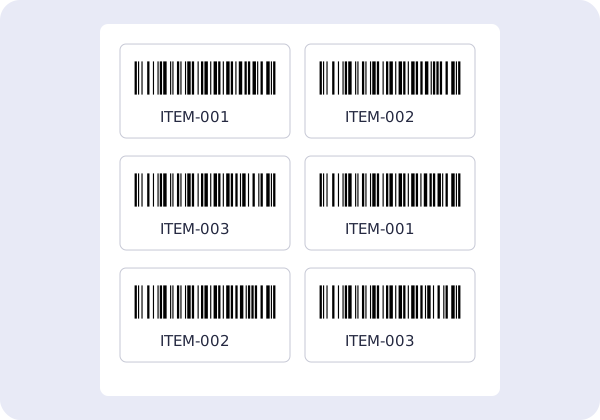
- Paste values or choose a CSV file. Match the value and name columns, then choose a code format.
- Review errors and duplicates before saving. In your library, select the codes and choose Print labels.
- Set label dimensions, margins and copies. Print at 100% or Actual size, with extra browser margins disabled.
Try the sample below: choose CSV, map value and name, and select Code 128. Up to 1,000 rows per batch. Printing uses your browser’s print dialog; always test one sheet first.
value,name
ITEM-001,Box A
ITEM-002,Box B
ITEM-003,Box C