Scan QR codes and barcodes from images
Read a code from a photo or screenshot on your device. No camera access or file upload is needed.
Read an imageNo account. No uploads. Processing stays in your browser.
- Open the image reader and choose up to 20 images. On desktop you can also drop files or paste a screenshot into the dialog.
- Review decoded values and any unreadable images. Duplicate results within the import are removed.
- Save the codes you reviewed to your local library, then open a code to copy or use its content.
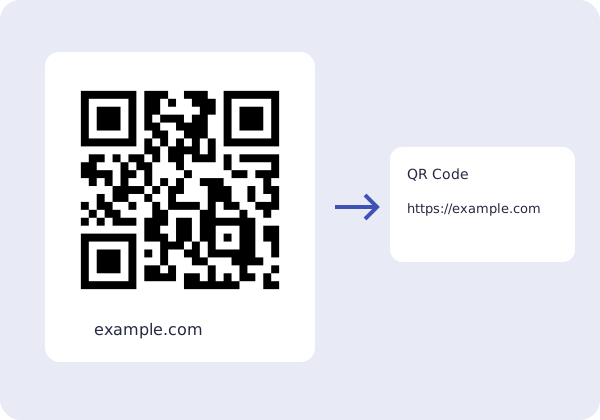
The example shows a QR code containing https://example.com. Use a sharp image with the whole code and a clear border. Some images cannot be decoded; check the result before opening a link.